


One of the easiest methods of increasing the level of security and performance in your house is the creation of a guest network. A different network keeps your personal machines and information secure rather than having your visitors gain access to your main connection. Meanwhile, it will allow your guests to have reliable access, without interfering with your day to day usage. By taking some thoughtful actions, you will be able to create a guest network that is reliable and speedy.
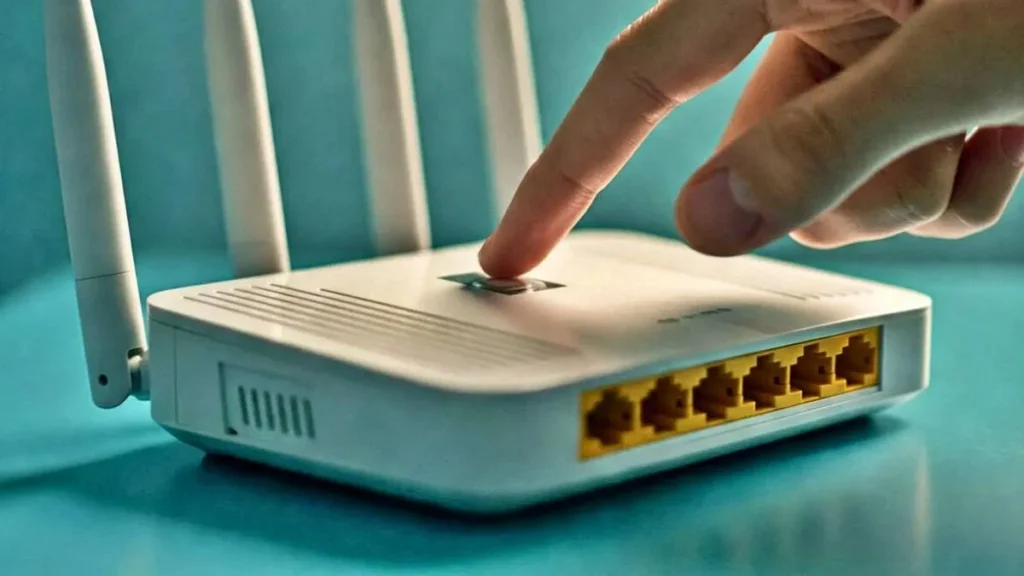
Network Separation.
A guest network operates on the principle of separation of visitor traffic with your main connection. Most current routers have an in-built option of providing this with a minimum of set-ups. After activation, the guests will not be able to find shared files, printers, or intelligent devices on the primary system because they are connected to another name of the network. This disclosure is necessary to retain privacy and minimization of risks.
Other than security, network separation enhances performance. In a smart grouping of devices, it becomes simplified to control the way bandwidth is utilized. The main network can be dedicated to such significant activities as work or streaming, and the guest one can be dedicated to a more light use. This arrangement will ensure your home internet is smoother even in cases where several users are on the network at a given time.
Strong Access Controls.
One of the most significant procedures in securing your guest network is to set a good password. Simple passwords or those that are guessed easily should also be avoided and should be changed regularly in case you are regularly receiving visitors. The name of the network can also be altered to a neutral name that does not unveil any personal details about your house.
Most routers have the option of restricting access by the guests. As an illustration, you can turn off the local network visibility so that the connected devices can not communicate with one another. This provides an added security and makes sure that even when one connects he or she is not able to venture much after accessing basic internet. These are constraints that ensure the creation of a safe environment without making the process complex to the user.
Bandwidth Management.
One of the things to do to ensure that they have a fast and responsive guest network is bandwidth management. There are routers that have features that allow giving priority to traffic or limiting the speed that can be used by a guest user. This will make sure that important processes such as video calls or work related activities are not disrupted by the heavy use of guests.
It is also helpful to check the performance of your network when it performs optimally. In case you observe delays, a change of limits or access schedule may help. Numerous internet providers provide a tool or app that can be used to monitor usage and performance optimization. Using these tools wisely enables you to have the balance between accessibility and speed.
Placement and Settings of Router.
The physical location of your router is also important in the quality of the network. It is best placed in a central and open space to have an evenly spread signal over your space. It should not be placed close to thick walls or electronic gadgets that can create interference and this will diminish the performance of both your primary and your guest network.
Besides placing, you can fine tune your router settings to enhance performance. Firmware updates make sure that your device is up to date with security patches and optimization. It is also possible to test various frequency bands to determine which one gives the most desirable range and speed. These minor changes could affect the larger connectivity.
Ongoing Maintenance.
Keeping a guest network is not a one time establishment but a continuous process. Conducting a regular review of the devices that are connected to your account assists you in detecting any suspicious activity and deleting users who are not required anymore. This will keep your network clean and minimize the chances of connections that are not legitimate.
It is equally a nice idea to revisit your settings occasionally. The technology and usage formats evolve and thus changing the passwords and monitoring the performance, assures your network remains as relevant as it was before. Constant monitoring will ensure that your guest network is safe and effective to all their users.
One of the practical methods of securing your personal information is to develop a secure and fast visitor network that would not require any inconvenience on behalf of your visitors. Separating your network, using powerful security settings, and controlling bandwidth well will put you into a system that serves to guarantee safety as well as performance. Even such simple measures as correct placement of routers and frequent maintenance may leave a long-lasting impact on the network performance.
